
|
|
||||||||
|
|||||||||
|
|||||||
| Site Feedback Archive Site Feedback Archive |
 Having A LOT of trouble posting images
|
|
Login or Register now to see less ads. |
|
|
Thread Tools | Display Modes |
|
#1
 11-25-2010, 02:20 AM
|
||||
|
||||
|
Having A LOT of trouble posting images
Ok, I'm really having a tough time posting my screenshots. I know how to do it in the link form, but I just want to get the picture in. I am kinda new at this. I checked Zep's guide, but it isn't helping too much. Can someone give me a brief tutorial and a good image hosting site? If I used the IMG bbcode the image is gigantic, and anything else just turns out a link. Help?
Thanks |
|
#2
11-25-2010, 02:30 AM
|
||||
|
||||
|
I usually use the img code on forums and you will have to resize it if you use this, too. You can upload and resize on photobucket or resize on photo editing software from your computer.
|
|
#3
11-25-2010, 02:30 AM
|
||||
|
||||
|
I suggest photobucket. It's fairly easy to sign up and use, and easily allows you to upload, resize, and post screenies. I know this, because that's what I use
 As for a direct guide: As for a direct guide:1. Sign up for a free Photobucket account. 2. Go to the top, where it says "Upload." 3. Hit the big green bar presented before you. This will allow you to navigate through your computer, to locate the files you want to upload. If you have a Windows Computer, starting from the C: drive, you need to click on Program Files (x86), Disney, Disney Online, Pirates Online, and then screenshots. 4. Double click the file to upload it. If you want to download a bunch of files at once, be sure to download the bulk uploader. 5. After it loads, click on the thumbnail of the image. 6. You will be taken to the image. Run your mouse over it, and hit "Resize." 7. Resize the image using the little scrolling things, and hit "Save a Copy." 8. Click on the IMG code in the little box, which usually automatically copies it. 9. Paste it where you want Just be sure that when you copy over the link from the IMG box over to here, the code is wrapped in [IMG][/IMG], although photobucket automatically adds that to the code. |
|
#4
11-25-2010, 02:38 AM
|
||||
|
||||
|
Ok, made the account, uploaded a random screenshot. But when I click resize it gives me some options. I clicked a random one, no scrolly thing, unless thats what you meant. Also, where do I got to copy the URL?
|
|
#5
11-25-2010, 03:22 AM
|
||||
|
||||
|
If the images are big, just drop them in a spoiler tab. The BB Code is [SPOILERTAB="Image"]<Insert Image's URL and IMG tags here>[/SPOILERTAB].
To get the direct link to an image, you should be able to right-click, "Open Image in a New Window/Tab", and then just copy and paste the URL from there. |
|
#6
11-25-2010, 05:36 AM
|
||||
|
||||
|
Quote:

|
|
#7
11-25-2010, 05:06 PM
|
||||
|
||||
|
Approved Hosting Sites
Photobucket is allowed, so long as you make sure that there are no hyperlinks leading back to your Photobucket gallery in the IMG. (If you use the IMG tag code from their site, it will leave the hyperlink.) We also have our very own Gallery, where you are welcome to upload your images. It does take a little longer to get your images in the gallery as all images must be approved by the moderation staff, but at least you know you aren't going to get in trouble for posting something you shouldn't!  As for posting images that are too large, the best way to do this is to use [SHOT] tags. They will leave a smaller version of your image that you can then click on to see the full sized image, like so: 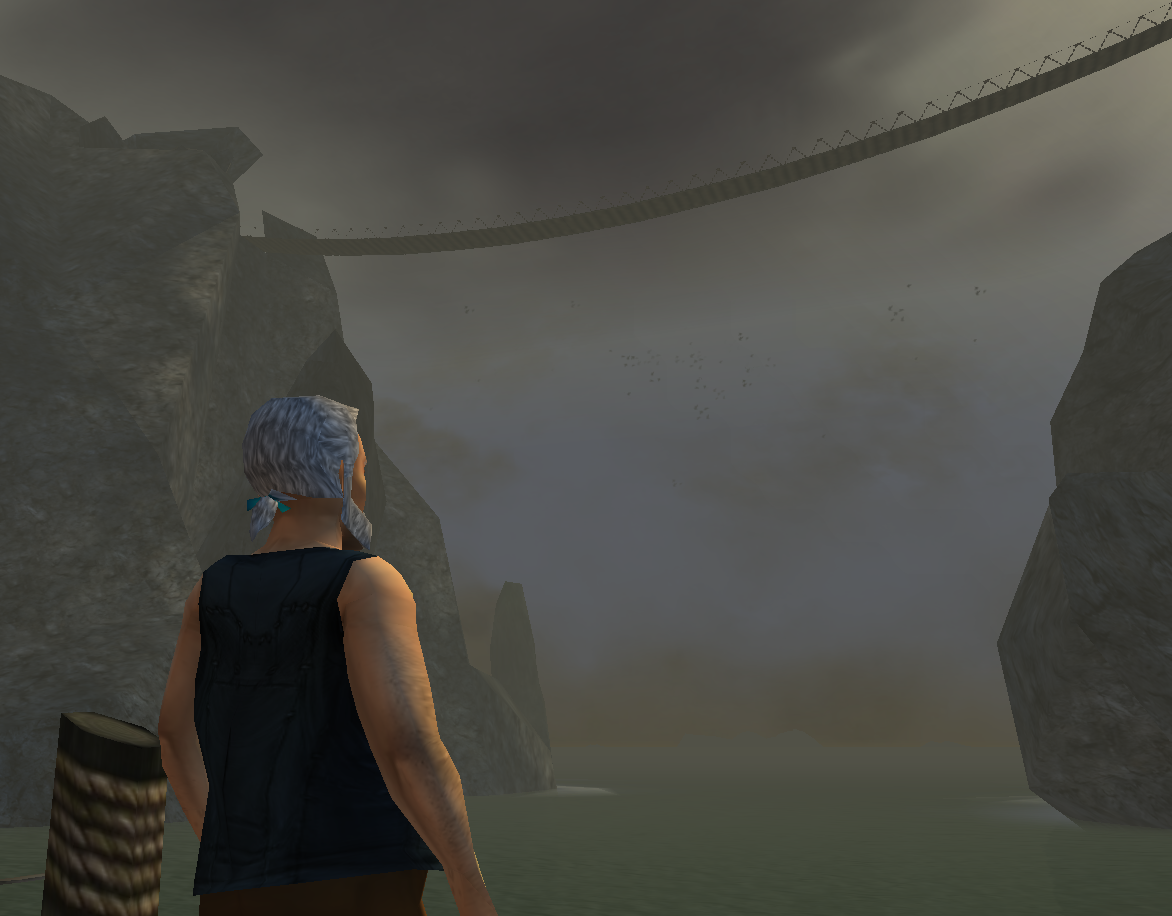 Code:
[Shot]http://www.piratesonlineforums.com/gallery/data/500/CropperCapture_16_.png[/Shot]  Hope this has helped, and happy holidays! Hope this has helped, and happy holidays!
__________________
|
|
#8
11-25-2010, 05:40 PM
|
||||
|
||||
|
Testing? Testing? How is this turning out? Its a portrait of myself.
That turn out? It did, but it lead back to the hyperlink thing. How do I get rid of that? Somewhere in the URL it shows my username... I'm guessing thats not ok? |
|
#9
11-25-2010, 05:55 PM
|
||||
|
||||
|
Having your Photobucket username in the image link is fine as long as the link itself can't be seen without someone actually looking for it. As for removing the hyperlink back, it depends on how you posted the image. I suggest that when you always pull the direct link from Photobucket and use our IMG tags. That way, you come out with:
[IMG]http://www....com/[/IMG]If you were to use the IMG tag link from Photobucket, you would get this instead. [Url=http://...][IMG]http://www....com/[/IMG][/URL]If you used the direct link with the [SHOT] tags though, it was entirely meant to leave a hyperlink. It's a direct link to the image though, not back to your Photobucket profile, so it is okay to use.
__________________
|
|
#10
11-25-2010, 06:14 PM
|
||||
|
||||
|
Testing again, testing testing
 EDIT: Yay! It worked! Thanks so much Jack! Mods can close this thread now. Last edited by Tiberius Fireskull; 12-01-2010 at 02:50 AM.. |
|
|

















 Linear Mode

