Trade-in games on GMG
POTC Fansite Home POTCF Forums POTCF Gallery Blogs POTCF Arr!cade POTCF User Pages Register! Casino!

Go Back   Pirates of the Caribbean Online Fansite & Forums > Site Content > Site Feedback > Site Feedback Archive
Blogs FAQDonate Calendar Arcade Mark Forums Read

Site Feedback Archive Site Feedback Archive

Old Having A LOT of trouble posting images

Login or Register now to see less ads.


Thread Tools Display Modes
  #1  
Old 11-25-2010, 05:36 AM
WitchdoctorDan's Avatar
WitchdoctorDan WitchdoctorDan is offline
Shadow Sorcerors Officer
WitchdoctorDan's Primary Pirate Info

Join Date: Apr 2010
Location: Location: Loca--*'puter blows up*
Posts: 736
My Mood: Drunk2
WitchdoctorDan is scurvy dog
Quote:
Originally Posted by Davy Fireskull View Post
Ok, made the account, uploaded a random screenshot. But when I click resize it gives me some options. I clicked a random one, no scrolly thing, unless thats what you meant. Also, where do I got to copy the URL?
Orrrr.... Download GIMP 2.0 and size them down before uploading them to PB.
  #2  
Old 11-25-2010, 05:06 PM
Jack I's Avatar
Jack I Jack I is offline
In his TARDIS...
Jack I's Primary Pirate Info

Join Date: Nov 2007
Location: Uninhabited Wasteland
Posts: 1,669
My Mood: Musical
Jack I is well renown pirateJack I is well renown pirateJack I is well renown pirateJack I is well renown pirateJack I is well renown pirateJack I is well renown pirate
Approved Hosting Sites
Photobucket is allowed, so long as you make sure that there are no hyperlinks leading back to your Photobucket gallery in the IMG. (If you use the IMG tag code from their site, it will leave the hyperlink.) We also have our very own Gallery, where you are welcome to upload your images. It does take a little longer to get your images in the gallery as all images must be approved by the moderation staff, but at least you know you aren't going to get in trouble for posting something you shouldn't!


As for posting images that are too large, the best way to do this is to use [SHOT] tags. They will leave a smaller version of your image that you can then click on to see the full sized image, like so:
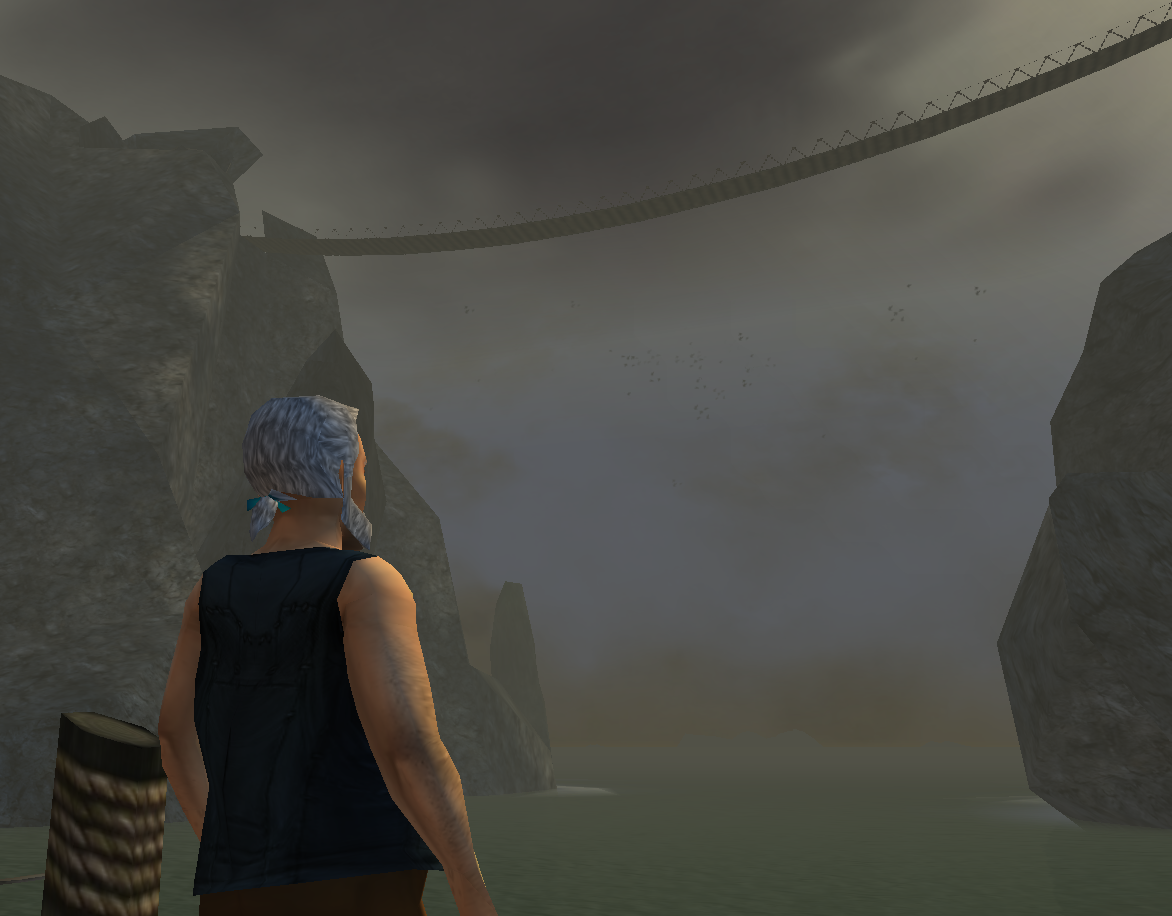
Click the image to view the full version

Code:
[Shot]http://www.piratesonlineforums.com/gallery/data/500/CropperCapture_16_.png[/Shot]
The only thing you have to note when using Shot tags is that since it is a custom BBCode, there are a few flaws. For it to work properly, you will need to uncheck the "Automatically parse links in text." Otherwise you'll just end up with a hyperlink and a bunch of messy HTML code.



Hope this has helped, and happy holidays!
__________________

"Everyone is entitled to an opinion, and no-one is wrong."
[Contact me across Nick's Fansites]
 

Thread Tools
Display Modes

Posting Rules
You may not post new threads
You may not post replies
You may not post attachments
You may not edit your posts

BB code is On
Smilies are On
[IMG] code is On
HTML code is Off

Forum Jump


All times are GMT. The time now is 08:12 PM.

POF on Facebook

Powered by vBulletin® Version 3.8.11
Copyright ©2000 - 2026, vBulletin Solutions Inc.